· Factory operations and resources

Keep orders
under control.

Plan materials and operations, track costs and see job progress. Build the configuration that fits the way your company works.

01

Data-based planning

Match orders with the required materials, operations and resources.

02

Costs and traceability

Keep the link between the job, material consumption and work performed.

03

Visibility into work

Track productivity and order progress using recorded data.

Tangible deliverables
What you get with .

  • Material and operation planning
  • Requirements, inventory, reusable offcuts and traceability
  • Comparison of estimated and actual costs
  • 1D cutting optimisation for linear materials
  • Standardised supplier orders
  • Job progress and productivity
  • Timesheets by project and activity, separate from attendance.
  • 2D optimisation for saw cutting and nesting, using parameters
  • Lists, drawings and production documentation generated from parameters
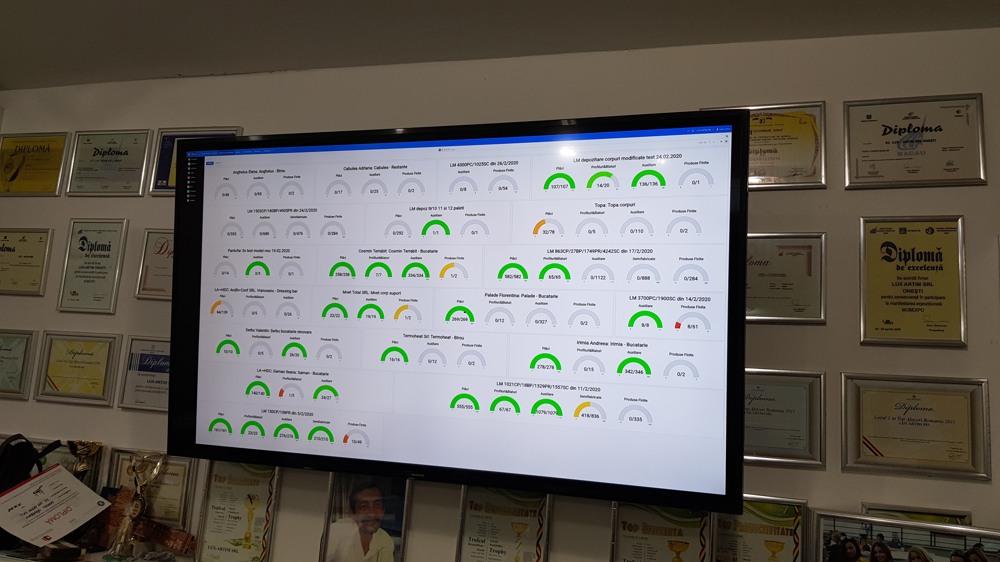
An activity dashboard display · from our archive, 2020

modules

Organise the entire workflow.

combines Odoo applications with furniture adaptations. The descriptions below cover core features; availability depends on the installed version and configuration.

Messaging

Internal communication, conversations and notifications.

What you can do
  • Exchange messages and files with colleagues, individually or in discussion channels.
  • Receive notifications in the app or by email, according to your preferences.
Odoo documentation ↗

Calendar

Meetings and events in a shared calendar.

What you can do
  • Set the date, duration and participants of a meeting.
  • View the schedule by day, week or month and send invitations.
Odoo documentation ↗

Contacts

Details of the people and companies you work with.

What you can do
  • Keep names, phone numbers, email and postal addresses together.
  • Link people to companies and keep invoicing and delivery addresses.
Odoo documentation ↗

CRM

Leads and sales opportunities.

What you can do
  • Track opportunities through the stages of the sales process.
  • Plan follow-up activities and review sales forecasts.
Odoo documentation ↗

Products

Product catalogue, attributes and variants.

What you can do
  • Organise variants by characteristics such as size or colour.
  • Track stock and sales for each variant.
Odoo documentation ↗

Sales

From quotation to order and invoicing.

What you can do
  • Prepare and send quotations with products, quantities and prices.
  • Convert an accepted quotation into an order and follow its invoicing.
Odoo documentation ↗

Website

Creating and managing web pages.

What you can do
  • Build pages from content blocks and add text and images.
  • Organise pages and menus and publish your changes.
Odoo documentation ↗

Marketplace

Orders from external platforms through dedicated connectors.

What you can do
  • Odoo documents, for example, synchronising Amazon orders with Sales.
  • Available platforms and features depend on the installed connector.
Odoo documentation ↗

Purchasing

Requests for quotations and purchase orders.

What you can do
  • Prepare requests for quotations and confirm purchase orders.
  • Keep vendor prices and track purchasing.
Odoo documentation ↗

Inventory

Stock, warehouses and product movements.

What you can do
  • Record receipts, deliveries and transfers between locations.
  • View available quantities and update records through stock counts.
Odoo documentation ↗

Production

Manufacturing orders, components and operations.

What you can do
  • Prepare bills of materials and plan manufacturing orders.
  • Track operations and order progress at work centres.

For furniture, generates documents and 1D/2D optimisation using technical parameters from . CNC programs are prepared directly in .

Odoo documentation ↗

Accounting

Invoices, payments and accounting records.

What you can do
  • Issue customer invoices and record vendor bills.
  • Track receipts and payments; accounting reports depend on the installed configuration.
Odoo documentation ↗

Projects

Projects, tasks and responsibilities.

What you can do
  • Create tasks and assign them to the people responsible.
  • Organise stages and track each project’s progress.
Odoo documentation ↗

Timesheets

Working time by project and task.

What you can do
  • Record time spent on a task or project.
  • Review recorded hours to track work and invoice services.
Odoo documentation ↗

Employees

Employee records and team structure.

What you can do
  • Keep employee work information and contact details together.
  • Organise employees by department and reporting relationships.
Odoo documentation ↗

Attendance

Check-ins, check-outs and attendance hours.

What you can do
  • Record check-in and check-out in the app or at an attendance kiosk.
  • View attendance and reports of recorded hours.
Odoo documentation ↗

Maintenance

Preventive maintenance and equipment repairs.

What you can do
  • Create maintenance requests for equipment and work centres.
  • Schedule interventions and track their progress.
Odoo documentation ↗

Fleet

Vehicles, drivers and operating costs.

What you can do
  • Keep each vehicle’s record and its assigned driver.
  • Record services and track vehicle costs.
Odoo documentation ↗

Applications

Installed modules and configuration extensions.
What you can do
  • View available apps and modules already installed.
  • The administrator installs or updates the required modules.
Odoo documentation ↗
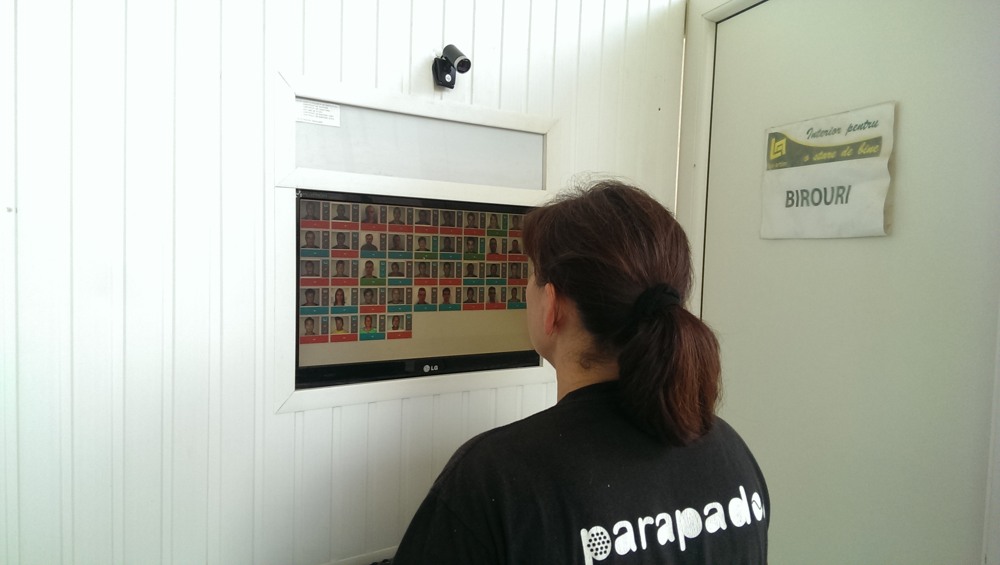
Using the time-clock terminal · 2014

In detail

The details that make
a difference in the project.

Linear materials

Optimisation includes profiles, worktops, support worktops, plinths and splashback sealing strips.

Supplier orders

Prepare orders in standardised supplier templates, including Global Design and NettFront.

Presence in the work area

The radio option is discussed separately: equipment, area, notifications and actual integration are established through testing.
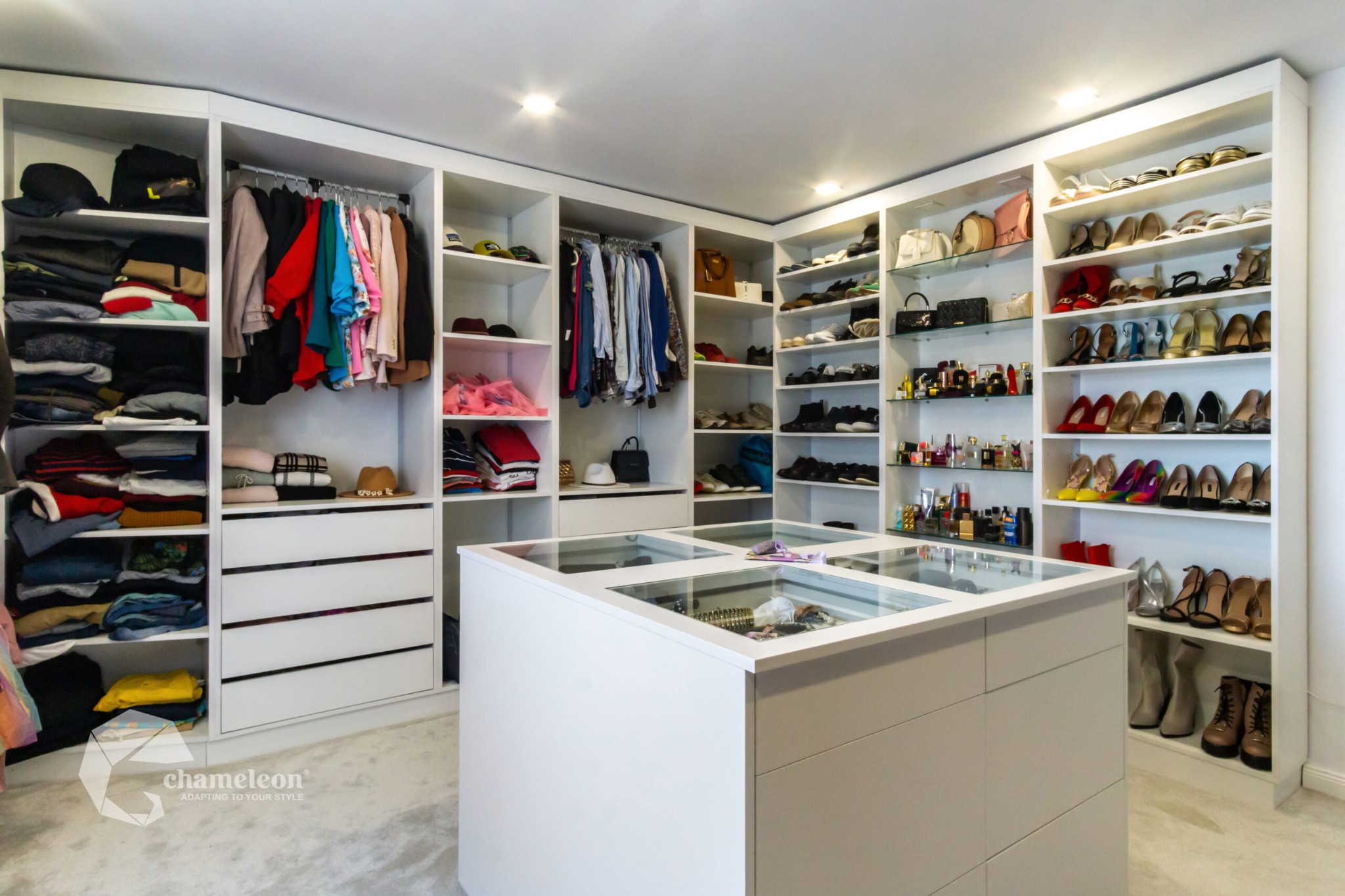
Furniture made by our team

Open dressing room with an island and LED lighting · Popeni

Choose individual modules or a package, with a monthly or annual subscription or a purchase. The configuration and included services are specified in the quotation.

View subscriptions

What makes up a job’s cost?

We connect materials and operations to the same order. During implementation, we establish calculation rules and check the results against your company’s data.

Materials and reusable offcuts

An offcut can be reused when its material code, thickness, dimensions, grain and storage location are known. We separate planned requirements from confirmed consumption to see what was used and what remains available.

Time linked to the job and operation

Attendance records the working interval. The timesheet details the person, order, activity, duration and completed quantity. This helps explain time and cost; exceptions and corrections are checked with the person responsible.

Check estimates against real work

The same part can take different amounts of time in two workshops. calculates using parameters, operations and agreed rates. We compare estimates with actual results to calibrate setup, machining, handling and installation.

View all document examples ↗

From design to production management

Estimating production and installation times.

calculates production and installation times using the parameters from . Starting from the project configured in and technically prepared in , the calculation distinguishes the following stages:

Estimated times can be compared with recorded production and installation activities. Project-data transfer and calculation rules are defined in the agreed configuration.

See the modules ↗

Recorded presentations

Examples from our presentations on design and production management.

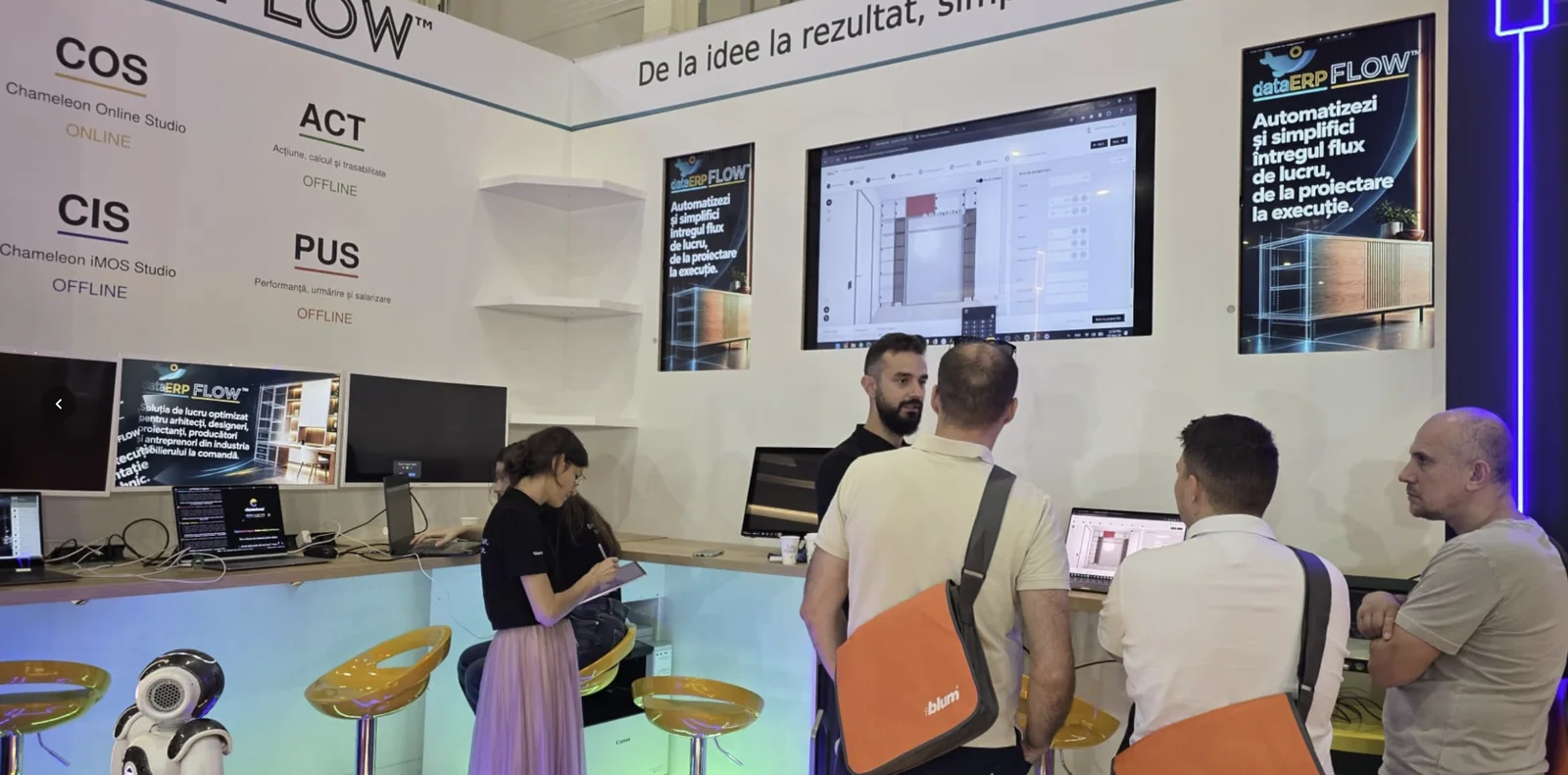
A dataERP FLOW demonstration at our stand · BIFE 2026

Next step

Let’s start with one of your projects.

We establish what you want to achieve and show you the solutions using an example relevant to your activity.

Request a demonstration