A clear proposal
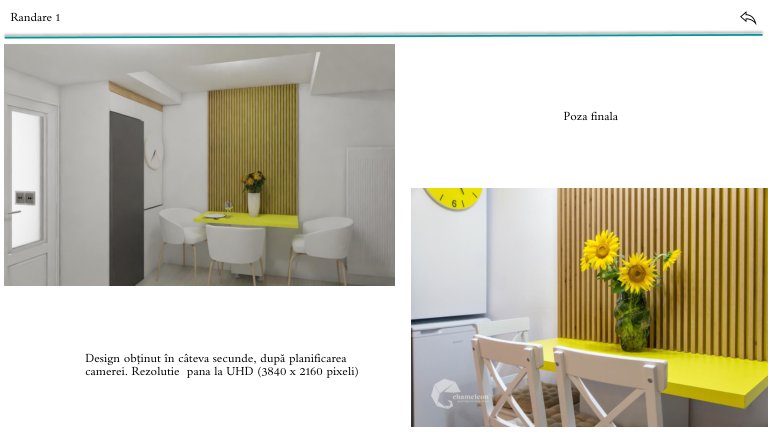
The client sees the furniture and can discuss changes before accepting the order.
 dataERP FLOW™
From idea to result, simple and optimised.
Design · Configuration and quotations
Configure, compare and render furniture. Prepare the quotation, contract and advance payment. Designers, architects, showrooms and entrepreneurs can use only for quotations and rendering, whoever makes the furniture.
The contract and deposit collection follow your company’s commercial process; they do not happen automatically in COS.
The client sees the furniture and can discuss changes before accepting the order.
Work with dimensions, materials and options from the available library.
Export the XML for technical preparation in .
Tangible deliverables
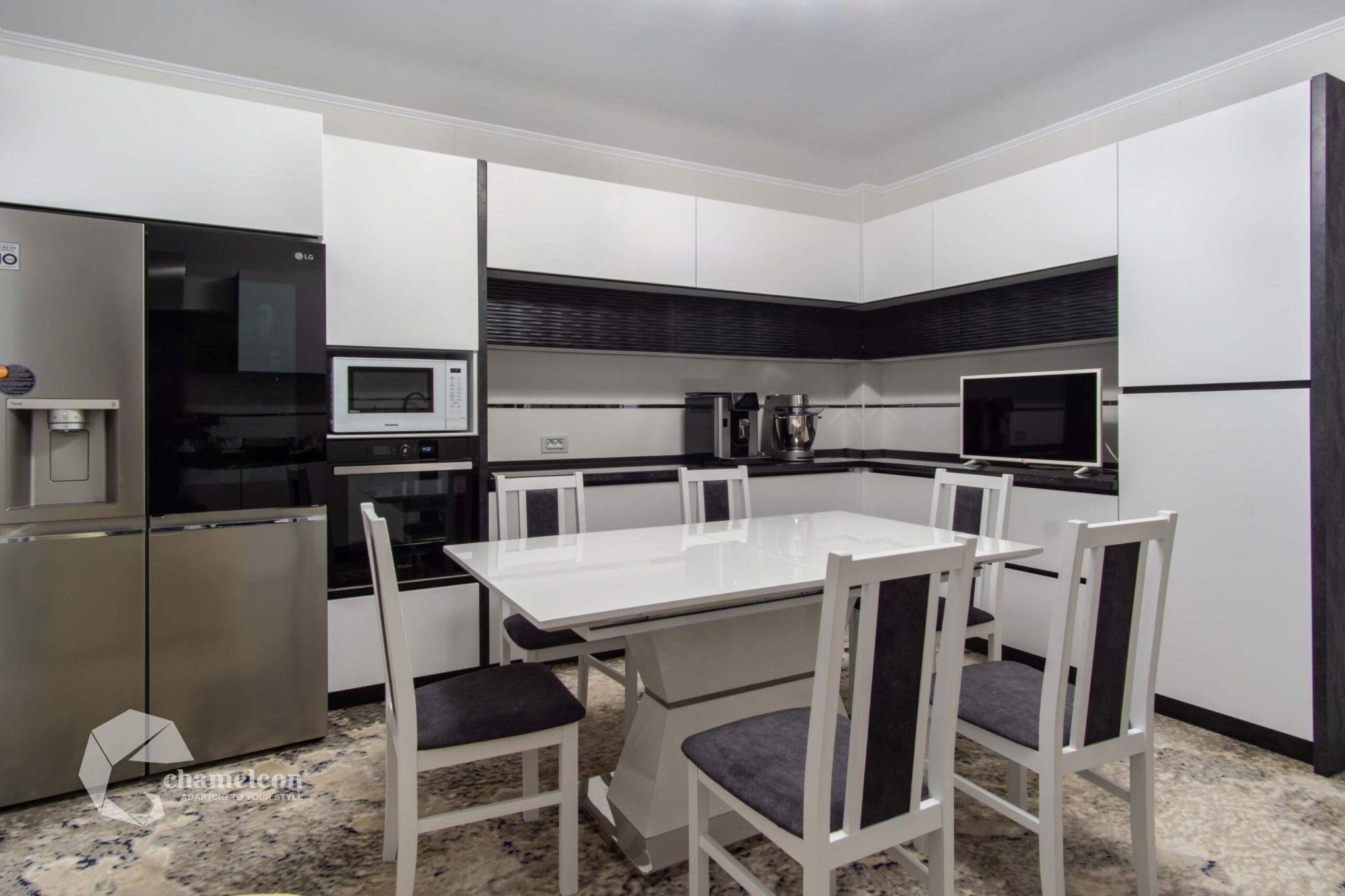
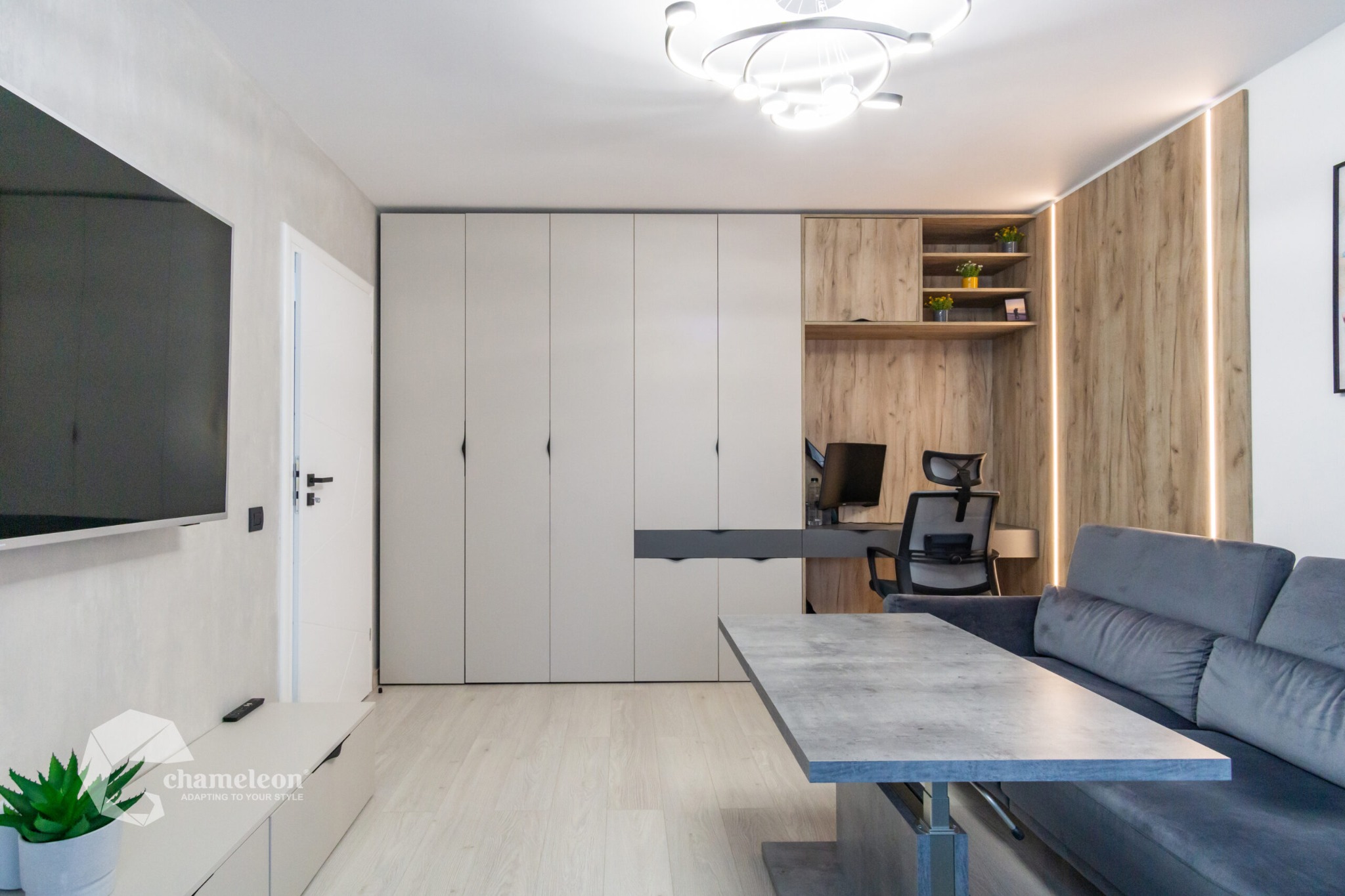
In detail
Start with the room measurements and configure the furniture layout.
Choose available cabinets and adjust the variables allowed by the library.
Prepare the commercial steps for the version discussed with the client.
The library can include corner cabinets and units for stairs or lofts, depending on the configuration. For a special situation, the designer adapts the solution in ; once checked, it can become a starting point for other jobs.

From design to production management
calculates production and installation times using the parameters from . Starting from the project configured in and technically prepared in , the calculation distinguishes the following stages:
Estimated times can be compared with recorded production and installation activities. Project-data transfer and calculation rules are defined in the agreed configuration.
See the modules ↗
Recorded presentations

Next step
We establish what you want to achieve and show you the solutions using an example relevant to your activity.